Overview
Processor schemas define which fields are displayed and edited in OGRRE records. You can use the OGRRE UI to view schemas, upload new processor schemas, and edit existing processors.
The Schema page identifies the active source. In repo mode, schemas come from the installed data-cleaning package and are read-only. In database mode, schemas are shared across all teams; an edit affects every record group using that schema.
If a schema is unavailable, you can still open its project and record group, view and edit existing records, and export their active fields. The stored schema connection is preserved, including when changing collaborators makes a package processor unavailable. A warning on the record group explains the missing schema. Cleaning and document processing remain unavailable until the required schema or processor is available. An administrator can repair or detach the connection.
If a project or records request fails for another reason, the page displays the error with a Retry action. Record tables also retry temporary connection and server failures automatically.
Loading a project or record table does not check and rewrite each record against its schema. Statistics count stored data and skip malformed attribute entries; total and reviewed counts still include those records. Opening a record prepares only that record for editing.
Permissions
With manage_schema, you can view schemas and, in database mode, edit aliases,
cleaning functions, data types, database data types, order and display metadata,
add fields, and upload new schemas. Type combinations must be valid, and fields
with children must retain the Parent data type.
This permission is intended for team leads and system roles.
Removing fields, changing processor/model bindings, replacing a schema
from a file, and deleting a schema also require manage_schema_destructive,
which is restricted to sys_admin. Field names cannot be renamed by any role.
Only available actions appear in the editor. If a save fails, your draft stays
open so you can correct it or retry.
Removing a field hides it from records, cleaning, filters, statistics, and exports while preserving its stored values. There is no restore action; re-adding a field does not restore its previous values. In database mode, newly imported fields remain visible even when they are absent from the schema. New records do not get entries for deleted schema fields. If an older import supplies a value for a retired field, only that supplied value is kept as retired.
Field removal and schema replacement apply retirement during the explicit save. Wait for that operation to finish before treating retirement as complete. Large changes can take time; project and record tables remain independent of this work. Alias, order, and cleaning-function edits do not scan records. Lists use stored attributes; opening a record applies its current display settings.
If the schema or record fields change while you are editing, saving may ask you to reload the record. Reload before retrying so the edit uses the current fields.
Generate a schema from imported records
In database mode, open a record group containing records and use its actions
menu to choose Generate schema. This requires manage_schema and a group
without an attached schema.
The preview samples up to 1,000 records by default. It shows suggested fields, types, ordering, sample coverage, and uncertain type assumptions. Use Edit and Save on a field to adjust its suggestion. Choose a schema name and document type, then select Create and attach schema to confirm. Record values stay unchanged. The new schema is shared across the database and has no processor; an administrator can add processor identifiers later through the schema editor.
For a group that already has a schema, choose Add fields to schema to review new fields found in its records. Confirm Add fields to shared schema to add them for every group using that schema. Existing fields and retired paths are preserved. Uploading records never expands a schema automatically, and fields outside the sample remain visible in records.
Oversized records and fields beyond sampling limits may be skipped, with warnings in the preview. Blank CSV columns that were not stored cannot be inferred. A preview expires after 30 minutes; refresh it if the group, schema, or sampled records change. If a save is interrupted, keep the dialog open and use Retry save to retry the same changes.
Navigate to the Schema tab
- Navigate to the
Schematab from the OGRRE UI header: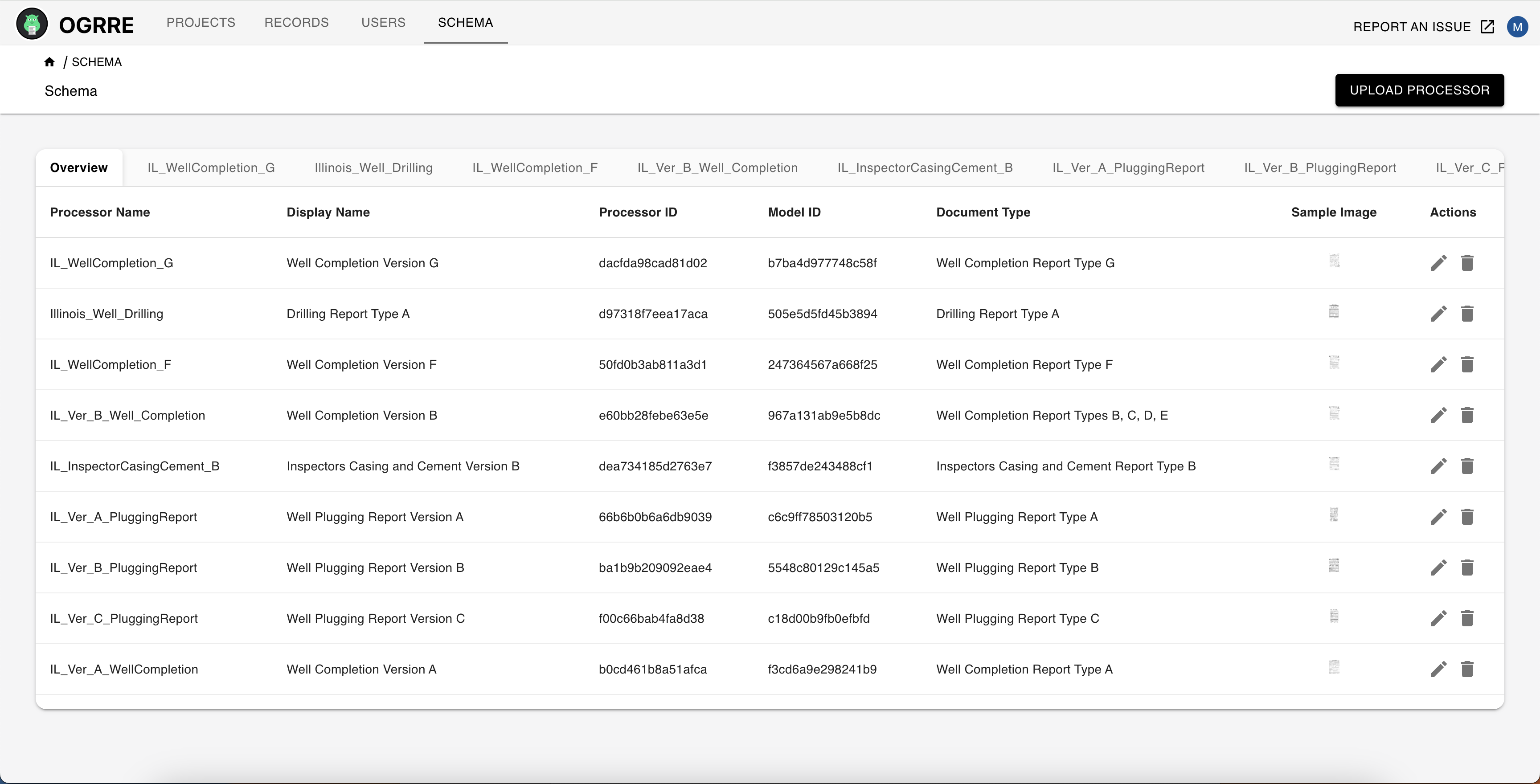
Add a new processor schema
Import schemas from the installed package
In database mode, open the Schema page menu and choose Import repo schemas.
The dialog shows the installed ogrre_data_cleaning version and collaborator.
It reads that installed package; it does not fetch from GitHub.
- Choose the schemas and either Add to existing schemas or Replace the schema catalog. Invalid definitions show an error and cannot be selected.
- Review added, changed, and removed schemas. Expand comparisons and affected record groups to see the shared effects across teams. Resolve each conflict with Keep existing or Use repo version, choosing an existing schema when several match. Choose Update preview after changing a decision.
- Apply only after checking the final counts and detachment warning.
Schema managers can add new definitions and keep conflicting existing ones. Replacing a definition or the catalog requires an administrator. Activating a previously missing legacy group binding also requires administrator permission. Replace removes definitions outside the selected set and leaves their groups without schemas. Records and stored fields are preserved; schema-dependent cleaning and document processing become unavailable for detached groups.
Matched schemas keep their IDs, internal names, and group references. Imported definitions are ordinary shared database schemas; later package updates do not change them automatically. Creator/team information records provenance, not ownership restrictions.
If the catalog or group bindings change after preview, review a fresh preview. If applying stops partway through, completed changes remain saved. Reopen Import repo schemas, choose Review saved import, then Resume import. Other schema and group-configuration changes wait until that import finishes. Import progress includes applying the final schema definitions to affected records. An administrator can use the backend's bounded schema-maintenance command after a package update or to finish retirement left unapplied by an older release; this is not required to open existing projects or records.
Create or upload a schema
In database mode, choose Create schema. Enter its name, display name, and document type. You can upload a CSV or JSON field definition, or leave the file empty and add fields in the editor. Processor and model IDs are optional.
A schema without a processor can organize and clean imported JSON/CSV records. When creating a record group, select an existing shared schema or leave the group without one. No schema is inferred automatically.
- In the
Schematab, upload a processor schema file in.csvor.jsonformat: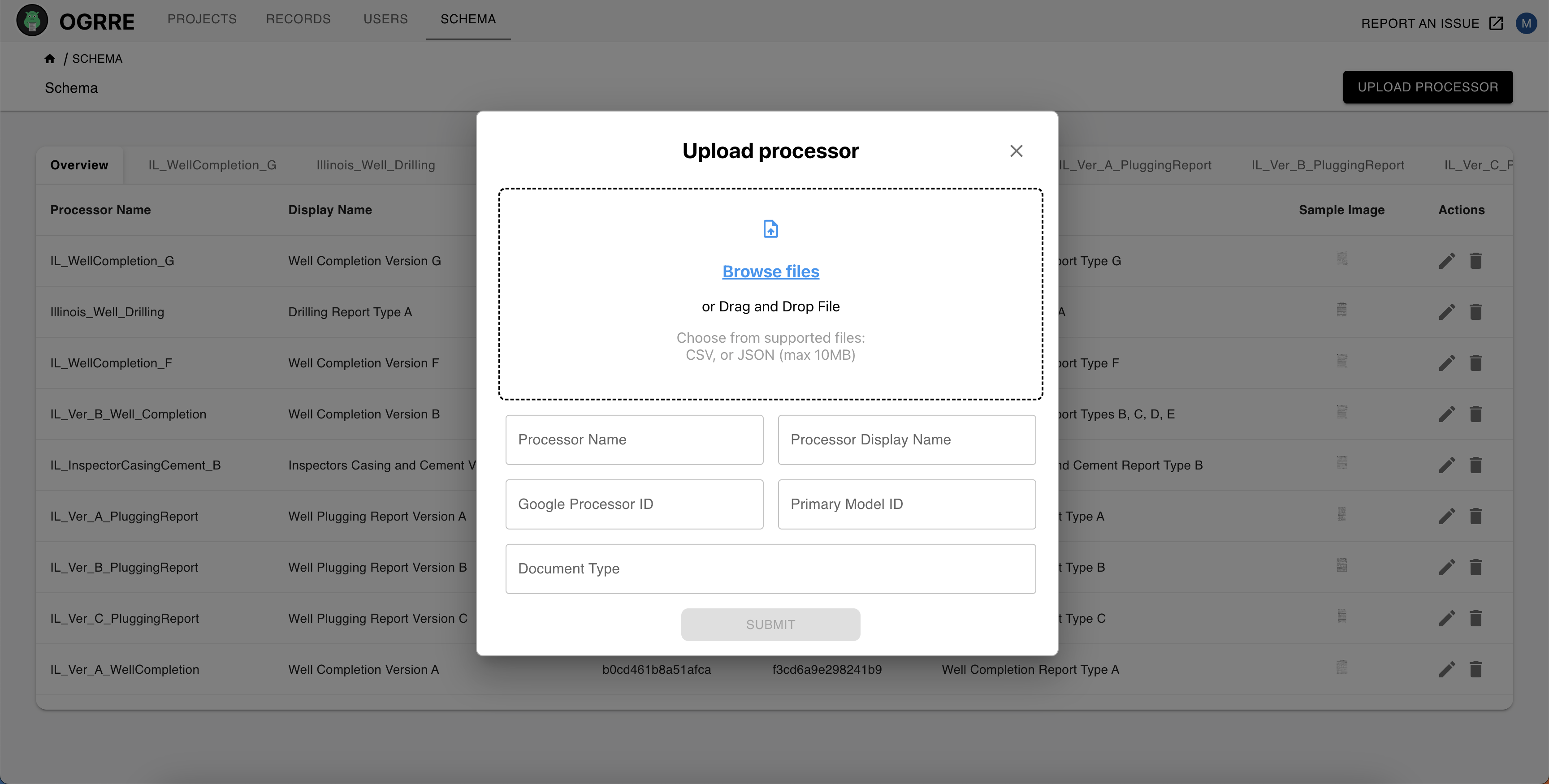
For the expected processor schema format, see Create Processor List and Schemas.
Edit an existing processor
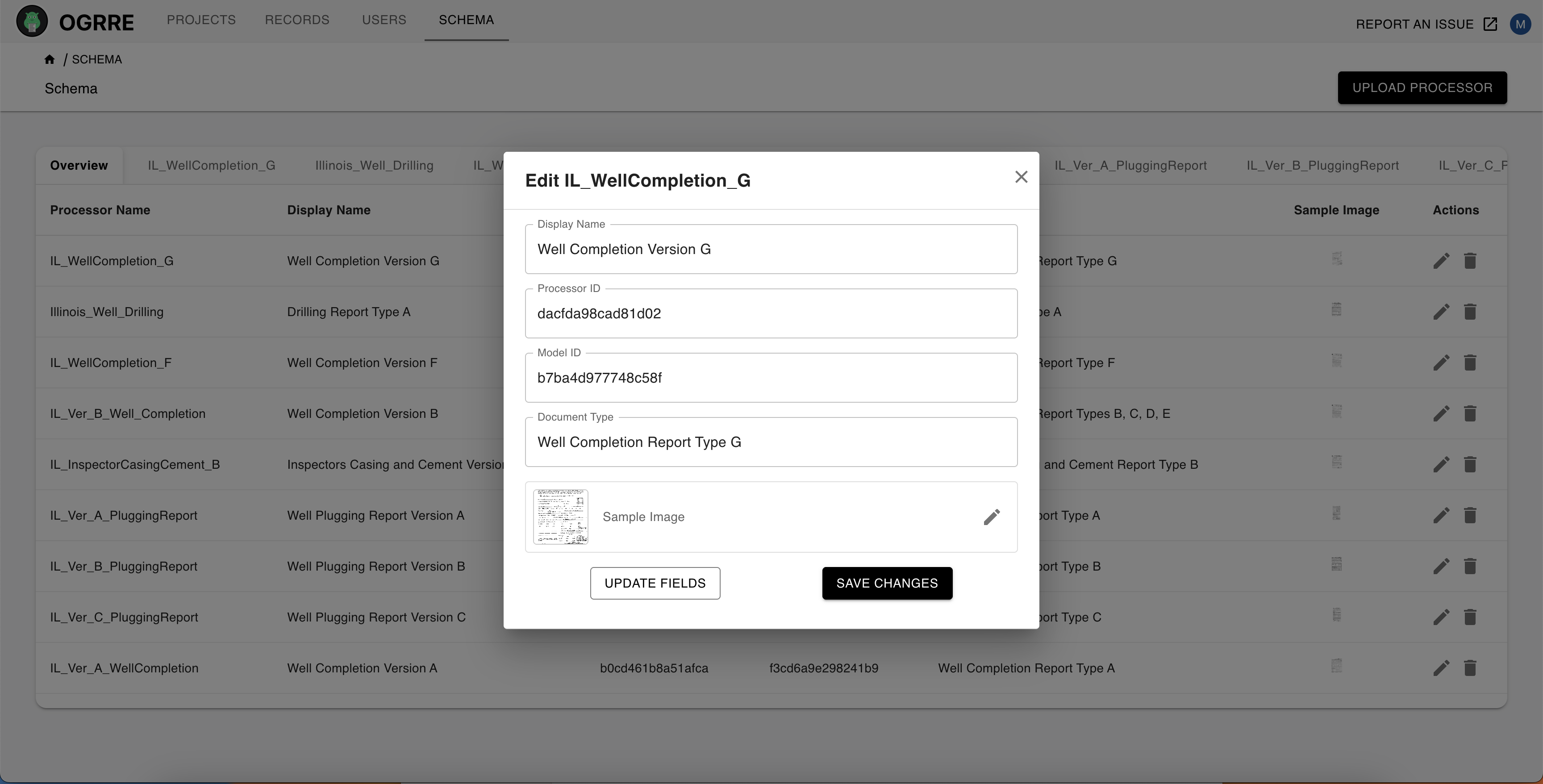
Administrators can add or change Processor ID, Model ID, and Processor format in the schema's edit dialog. Both IDs are needed for document processing. These changes preserve the schema's fields and its connected record groups. Different schemas can use the same processor; choose schemas by their names.
On a record group, administrators can use Select schema to change its shared schema. Selecting No schema, then Detach schema, preserves the records while disabling schema-dependent cleaning and document processing. Detach any connected groups before deleting a schema. Repo mode continues to offer package processors through Connect processor.
- Processors can also be updated directly in the UI by clicking the edit icon: